Troubleshooting
CCTV Showing "Offline" on Your Phone or Recorder Beeping? What to Check First
By Perchly ·
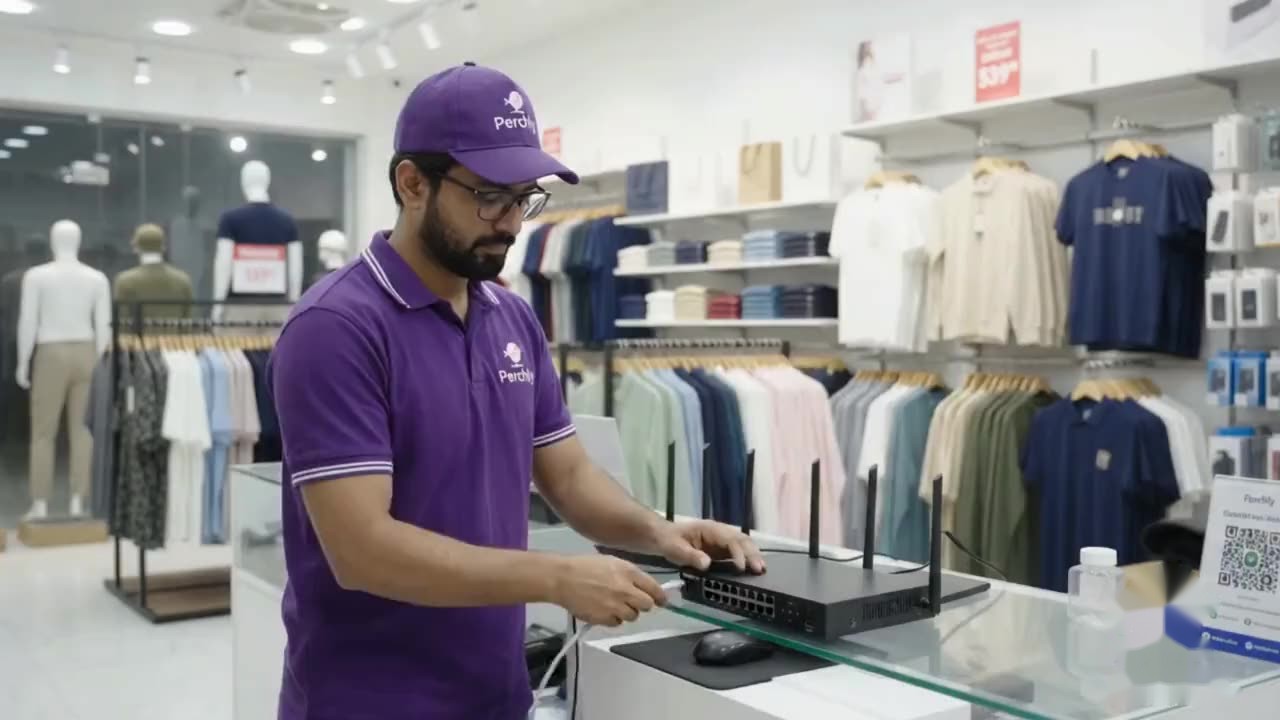
If your CCTV feed shows "Offline" on your phone or your recorder is beeping, check basic power, Wi-Fi/router status, and visible cable plugs first - and if the fault stays, book CCTV Repair & Service, Mobile Viewing Setup, or DVR/NVR Setup on the Perchly app.
Seeing "Offline" on your phone when you check your home or shop - or hearing a steady beep from your recorder - is stressful, especially when you are away.
Some issues come from everyday changes like a router reset or loose plug, while others point to a power, storage, or wiring fault that needs proper testing.
Common Reasons a Camera Shows "Offline" on Mobile
- Router or Wi-Fi changes: Changing your internet provider, router, or Wi-Fi password can disconnect your recorder or camera from remote viewing.
- Power cut or loose adapter: If the recorder or camera loses power or a plug slips loose, live viewing will stop.
- App or connection glitch: Checking your internet connection at the site or getting the app re-paired properly helps restore viewing.
If you need help linking your cameras to Android or iOS apps or setting up viewing for family or staff, booking Mobile Viewing Setup gets it checked properly.
Why a DVR or NVR Keeps Beeping
A continuous or repeating beep from a recorder is usually an alert that something needs attention:
- Hard disk or recording issue: Storage or recording alerts can trigger when a drive has an issue or isn't recording as expected.
- Signal or power interruption: A camera losing feed or power can trigger system alerts depending on how the recorder is configured.
- Faulty component: Ongoing beeps after a restart should be inspected so you don't miss important recordings.
Booking DVR/NVR Setup or CCTV Repair & Service lets a technician check the recorder, hard drive, and signal lines on-site.
Safe Checks Before You Book
- Check if power lights are on at the recorder, monitor, and nearby sockets.
- Check whether Wi-Fi/internet is working normally at the property.
- Notice if one camera or all cameras are affected, and do not pull tight cables or open units yourself.
First-time bookings on Perchly include a free site inspection, with a clear upfront quote in the app before repair work starts. You can book on the Perchly app or chat on WhatsApp at +91 96185 73288 (opens in a new tab).